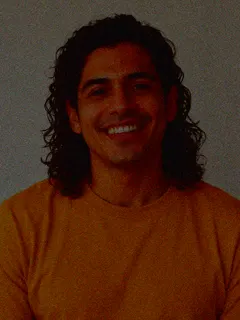
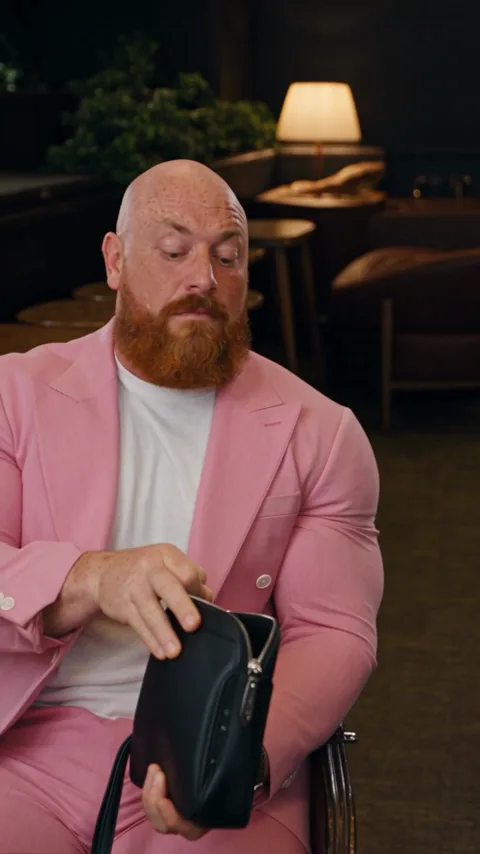
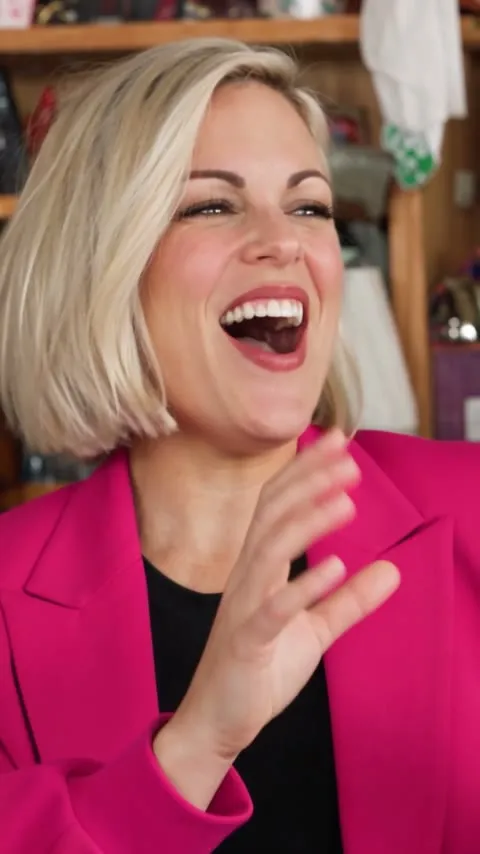
New trends get their own page while people are still posting them, not weeks later.
See it before you pay
A preview shows you in the scene first. Your first 2 previews are free and need no sign-up.
One pack, every trend
Credits work on every trend. One-time packs, no subscription, failed videos refunded.
Private by default
Your video stays in your account for 30 days. Download it or delete it whenever you like.
Staruna Pricing
Each video uses 10 credits. Credit packs are one-time purchases, not subscriptions.
1 video
Single
$9.90
1 video
12–19-second vertical MP4
Private playback, download and delete
Suggested
3 videos
Trio
$19.90
3 videos
12–19-second vertical MP4
Private playback, download and delete
5 videos
Squad
$29.90
5 videos
12–19-second vertical MP4
Private playback, download and delete
One-time payments, no subscription. Unused credits never expire. If a video fails, its credits come back. A wholly unused pack can be refunded within seven days.
Before you pay
Nothing starts on its ownBuying credits never starts a video. You press the button when your photo is ready.
Failed videos are freeIf a render fails, the 10 credits come back to your account automatically.
Unused packs can be refundedA pack you have not used at all can be refunded within seven days.
Your photo stays privatePhoto drafts are deleted after 24 hours. Videos stay in your account for 30 days.
Staruna FAQ
What is Staruna?
Staruna puts you into the AI video trends people are posting right now. Pick a trend, upload one photo you are allowed to use, and get a private vertical video of you doing it.
Which trends can I make with Staruna?
Every trend on this page has its own page and generator. New trends are added while they are still spreading, and each one keeps its own scene and moves.
How do I make a Staruna video?
Open a trend, upload one clear photo, check the free preview, then sign in, pick a one-time pack and start. You can close the page; we email you when it is ready.
How long is a Staruna video?
12–19 seconds depending on the trend, vertical 9:16, with the trend’s sound, ready for TikTok and Reels.
Is Staruna free?
Your first 2 previews are free and need no sign-up. They are for new visitors: once you have bought credits or made a video, you make videos directly. On a very busy day the free previews can run out until the next day. A finished video is a one-time purchase from $9.90; packs work for every trend.
Do I need to dance, write a prompt or edit?
No. Each trend’s scene and moves are fixed, so your photo is the only thing you add.
Will the result look exactly like the photo?
AI results vary from photo to photo, and no photo can guarantee a perfect likeness. Watch the whole video before sharing it.
What photo should I use?
One sharp, well-lit photo of someone who said yes, with a visible face. Avoid group photos, heavy blur, masks and sunglasses.
Whose photos can I upload?
Your own, or a photo of someone who agreed to it. Minors only with their parent or guardian. No celebrities, public figures or sexual content.
What happens if a video fails?
The 10 credits reserved for it come back to your account automatically.
Can I download or delete the result?
Yes. Videos play privately, download as MP4 and stay in your account for 30 days. You can delete one at any time.
What happens to my photo?
It is stored privately and sent only to the AI services that make your result: the image model for a free preview, the video model when you start the video. Photo drafts are deleted after 24 hours; finished videos stay in your account for 30 days, and you can delete them at any time.
How do I report a video?
Use the report page. We review every report within 48 hours and remove videos that break the rules.
 Staruna